Flood Icons: Versatile Minimalist Icons for Every Project
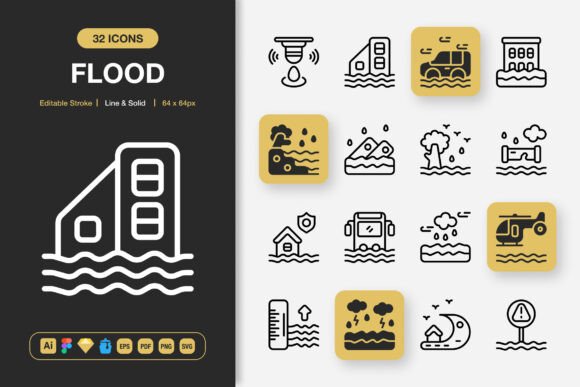
Finding a dependable icon set that looks clean, works across multiple platforms, and doesn’t slow you down is easier said than done. Flood Icons arrives as a thoughtfully assembled collection that answers that exact need. It’s more than a folder of graphics — it’s a flexible toolkit built for websites, mobile apps, books, social media, infographics, flyers, print, banners, posters, and a spectrum of creative projects where a minimalist icon design makes all the difference.
What Makes Flood Icons Stand Out?
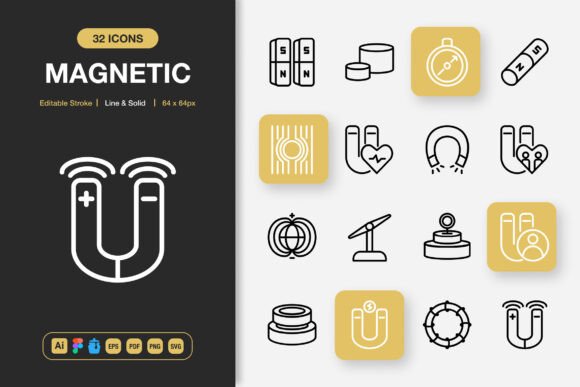
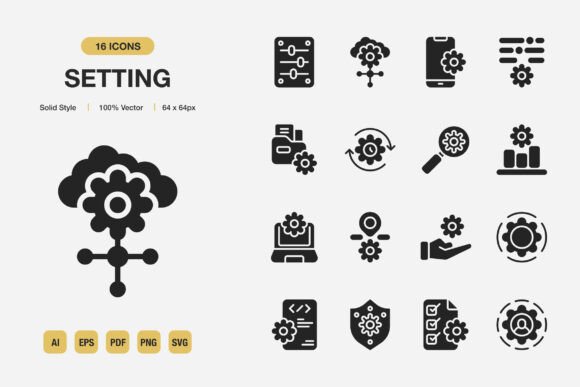
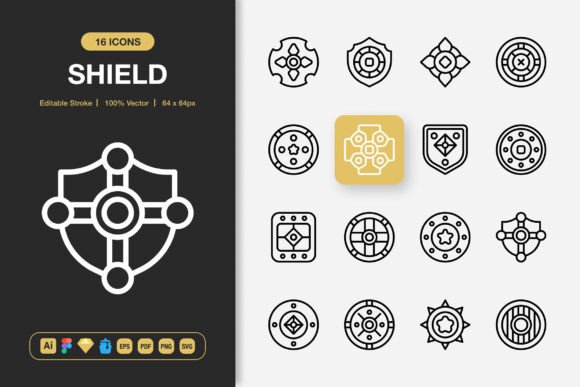
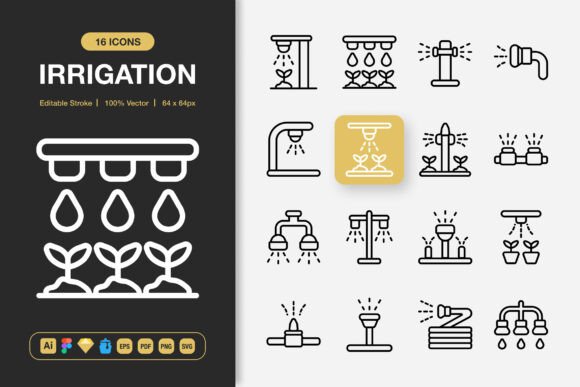
At a glance, you notice the polish. This set delivers both line and solid style variations, so you aren’t forced to compromise between airy outlines and bold, filled shapes. The editable stroke feature allows you to fine-tune line weights without hunting for a duplicate file. Every icon is built to remain crisp and legible at any scale, from a tiny mobile tab bar to a large trade show banner. High quality isn’t a buzzword here — it shows in the precision of the curves, the balanced proportions, and the way each icon stays coherent with the rest of the family.
The package is completely customizable. You can adjust colors, layer elements, combine styles, or rebuild parts to suit your brand. Drag and drop simplicity also means you can pull a ready-made SVG or PNG straight into your layout and see results instantly. Files are organized logically, so you spend less time searching and more time creating.
Designed for Diverse Creators and Use Cases
One of the most practical aspects of Flood Icons is how naturally it maps onto different workflows. A seasoned interface designer evaluating it might focus on source file depth and stroke editability, while a blogger sprucing up a recipe post values a quick PNG with transparent backgrounds. No matter who you are, the core assets remain the same — only the lens changes.
For the Freelancer Racing a Deadline
When a client needs a presentation deck or social media carousel by end of day, you can’t afford to custom-draw every symbol. With Flood Icons, you drag a perfectly matched solid icon into your slide, then use a line version for the footer, keeping the visual language tight. The Figma file, Sketch file, and Adobe Illustrator source file mean you can work in your preferred environment. Editable strokes help you fatten an arrow or thin a chat bubble to fit a specific layout without degrading quality. Transparency-enabled PNGs in sizes like 32px, 48px, 64px, 96px, 128px, 256px, and 512px cover everything from retina screens to print-ready documents.
For the Small Business Owner Building a Brand
Not everyone has in-house design training, and that’s okay. This set respects that reality. If you need to design a cafe menu, a “we’re open” social post, or instruction labels for packaging, the icons offer a professional finish that elevates your brand. Because they are fully customizable, you can match them to your logo’s exact hex code. The easy drag and drop workflow helps you arrange them in Canva, PowerPoint, or Word without wrestling with file compatibility. The included Readme.txt gently guides you through the folder structure so you never feel lost.
For the Educator Creating Learning Materials
Teachers, instructional designers, and tutors often produce worksheets, e‑learning modules, and classroom displays with limited budgets. Flood Icons adds a polished touch to diagrams, reward charts, and digital assignments. The EPS Version 10, PDF, and SVG files ensure you can scale a science icon or a progress badge to any size without pixelation, making them safe for both an A4 handout and a projected whiteboard screen. Since the set includes both line and solid styles, you can use the lighter line version for background cues and the solid version for key callouts — a small trick that improves lesson clarity.
For the Hobbyist Exploring Design
Maybe you’re building a personal bullet journal, a family recipe book, or a volunteer community newsletter. You want things to look tidy without pouring hours into each element. Here, the sheer PNG transparency at multiple sizes makes it easy to layer icons over photos or textured paper backgrounds. The minimalist aesthetic doesn’t compete with your content; it supports it. And if curiosity nudges you to learn more advanced editing, the Illustrator and Figma files are there when you’re ready to go deeper.
Transparency, Customization, and Real-World Flexibility
When a design asset claims to be high quality, ask what that means under real conditions. Flood Icons comes through with transparent backgrounds embedded in every PNG, which means zero awkward white boxes when you place an icon on a colored section of a webpage or a dark-mode interface. The multiple resolution tiers — from 32px for tiny favicon-like uses to 512px for hero banners — cut out the guesswork of resampling.
Beyond pixels, the editable strokes set this apart from typical vector packs. In Adobe Illustrator, Figma, or Sketch, you can select a path and increase the stroke width to create a bolder presence or convert a solid icon into a hybrid look. That level of control is usually what you’d expect from custom illustration, yet here it’s baked into an off-the-shelf set.
Customization also means you can extract a single element from a compound icon to serve as a standalone symbol. A book icon with a bookmark, for example, can become just the bookmark if that better represents your app’s feature. This flexibility reduces the need to hunt for separate icon packs, saving both time and subscription costs.
Integrating Flood Icons into Your Workflow
Start by browsing the Iconjar file if you use a Mac; it makes the entire library searchable and drag-and-drop, which is a godsend during rapid prototyping. For web projects, the SVG folder provides tiny file sizes that won’t bloat page speed, helping your SEO indirectly. When building a mobile app, you might rely on the solid style for tab navigation and line style for settings panes, maintaining a clean hierarchy without extra design effort.
Print designers will appreciate the EPS and PDF formats that embed vector data cleanly into InDesign or Affinity Publisher. Want to create matching icon labels for a product shelf? The 100% customizable nature means you can add your SKU numbers or color-code categories without degrading the original art. For social media managers, the quick PNG solutions accelerate infographic creation; combine a few icons in a Canva template, resize on the fly, and publish.
If you’re new to icon customization, the readme file offers straightforward, jargon-free guidance. It’s a small touch that makes the first experience less intimidating. Even experienced designers appreciate a well-organized folder tree that separates styles and sizes cleanly.
Is This Set Right for You?
Choosing a icon set often comes down to how much friction remains between opening the download and seeing it live in your project. Flood Icons removes common pain points: it doesn’t lock you into one style, doesn’t force you to use specific software, and doesn’t punish you for needing higher resolution. If you regularly produce content across digital and print, the dual line-and-solid approach keeps your branding consistent while letting you signal different content types visually.
Consider your day-to-day tasks. Are you tired of icons that look mismatched when you switch from a website header to a printed flyer? Do you need to maintain a uniform stroke weight in a UI kit across dozens of screens? Are you teaching yourself design and want reliable source files that won’t corrupt or crash? If any of these resonate, this collection aligns well.
The Iconjar file, Sketch file, Figma file, and Adobe Illustrator source file cover the major design ecosystems, so tool preference rarely becomes a barrier. And because the set includes EPS Version 10, PDF, SVG, and PNG with multiple transparency resolutions, you’re also covered for client deliveries that demand specific formats.
It’s worth noting what Flood Icons isn’t: it’s not a limited sampler. The variety of icons within the set is broad enough to handle typical business, education, lifestyle, and technology themes without forcing you to supplement from other libraries immediately. That completeness reduces decision fatigue and lets you focus on composition rather than sourcing.
Consistency, editability, and format readiness are the qualities that separate a quickly-forgotten download from a resource you return to project after project. Flood Icons aims to be that steady, reliable companion — whether you’re refining a startup’s pitch deck or assembling a personal travel journal.
Ultimately, the right toolkit is the one that gets out of your way while making your work look intentional. With its thoughtful structure and genuinely flexible assets, this icon set encourages you to spend more energy on your message and less on assembly. That shift is what changes your next project from routine to remarkable.